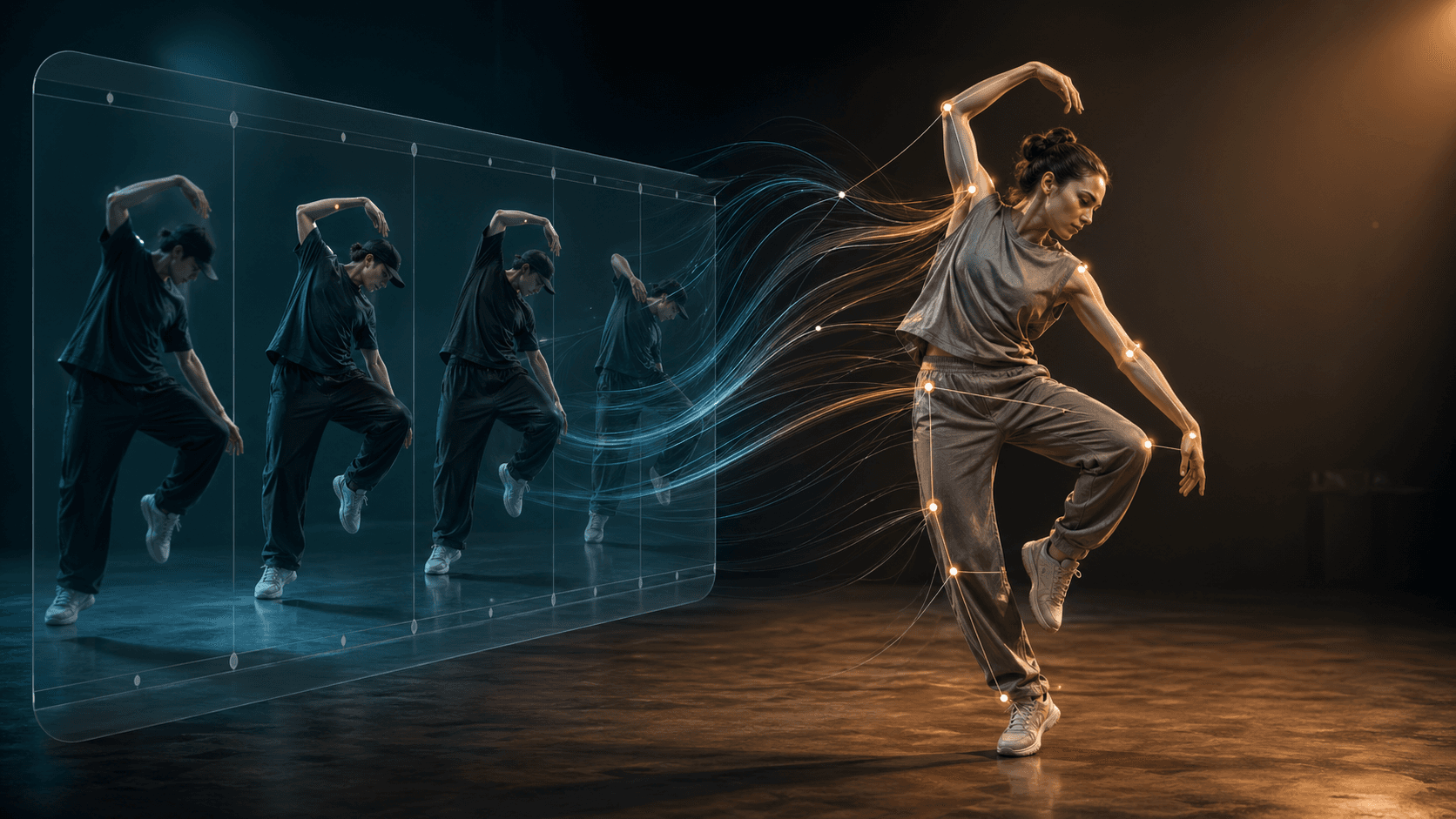
App preview
Motion Control
Upload
Generate
Save
How it works
1
Upload your video
Choose an MP4 or MOV clip (up to ten minutes) or drag and drop from your desktop.
2
Open the iOS app
Open Fluxfield on iPhone to run the tuned creator photo workflow.
3
Get your result
Save your video from the iOS app when it is ready.
iPhone-first photo editing
Create Motion Control edits on iPhone
This web page is kept for discovery and account access. New Fluxfield generations now run in the iOS app, where the photo editor, creator filters, gallery, and billing sync live together.
AI filtersCreator presetsGallery sync